

E3:COMPUTER
Computer forensics in the context of the artifacts
File system forensics for Windows, Mac and Linux, with email, messaging, browser and registry artifacts sorted and ready for review on the E3 Forensic Platform.
Capabilities
File system forensics that saves review time
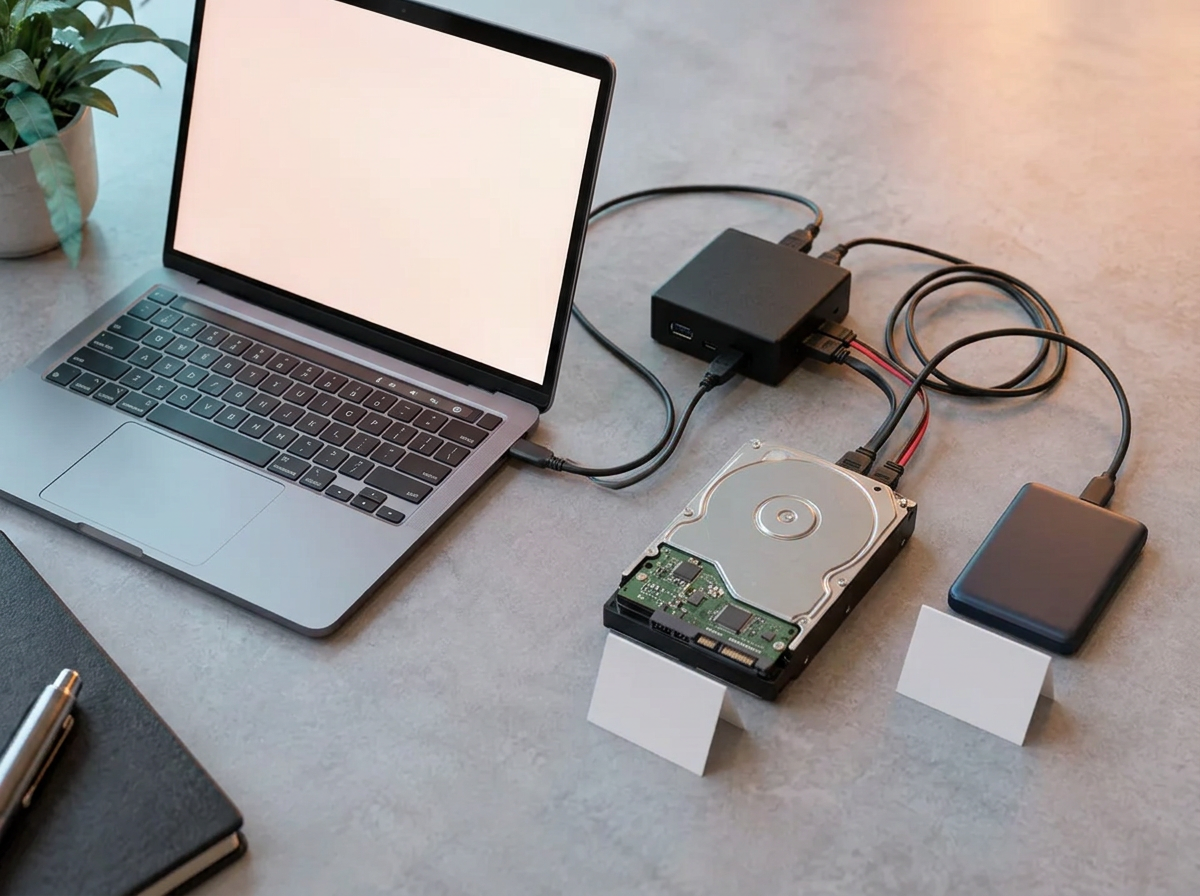
E3:COMPUTER focuses on file system forensics and the artifacts that live inside them. It uses the E3 Platform to categorize data in the context of each artifact, so investigators review email, messages, browser history, documents and images instead of hunting through folders.
- FAT, NTFS, EXT (Linux), HFS and HFS+ and APFS
- EnCase, AD1, DD and other disk image formats
- Imager for computers, files and media included
- Windows data triage
Artifacts
Every artifact category in one review
- Local and network mail archives
- MBOX, MS Exchange and message tracking logs
- Office 365 email and NST
- Export to EML, EMX, PST, HTML and MSG
- Batch export and native attachments
Messaging and browsers
- Chat databases
- Internet browser data
- SQLite databases and archives
- Slack, Discord and Teams Business cloud data
System and social
- Registry data and Windows artifacts
- Google Takeout
- Compliance archive processing
- Instagram, Facebook, Twitter, Snapchat, LinkedIn and TikTok backups
Interoperability
Bring in data from the tools you already use
Volatility
Import memory analysis results alongside disk evidence.
KAPE
Load triage collections straight into an E3 case.
IPED
Review IPED processed data with E3 search and reporting.
Relativity
Export load files for legal review platforms.
General capabilities
Search, review and report
Review and bookmarks
Search and filter
Export and reporting
Automation
Time to take action
Start processing computer evidence now
Run a 10-day E3:UNIVERSAL trial on evidence from your own case mix, with expert technical support and implementation guidance. Every E3 purchase includes operator level certification training.
FAQ
Frequently asked questions
What file systems does E3:COMPUTER support?
Which computer artifacts does E3 parse?
Can E3 import data from other tools?
Is an imager included with E3:COMPUTER?
Can I try E3:COMPUTER before buying?
Ready to advance your digital investigations?
Talk to Paraben about Membership Bundles, Perpetual Prices, AI solutions or training, or start a trial and see E3 on your own evidence.